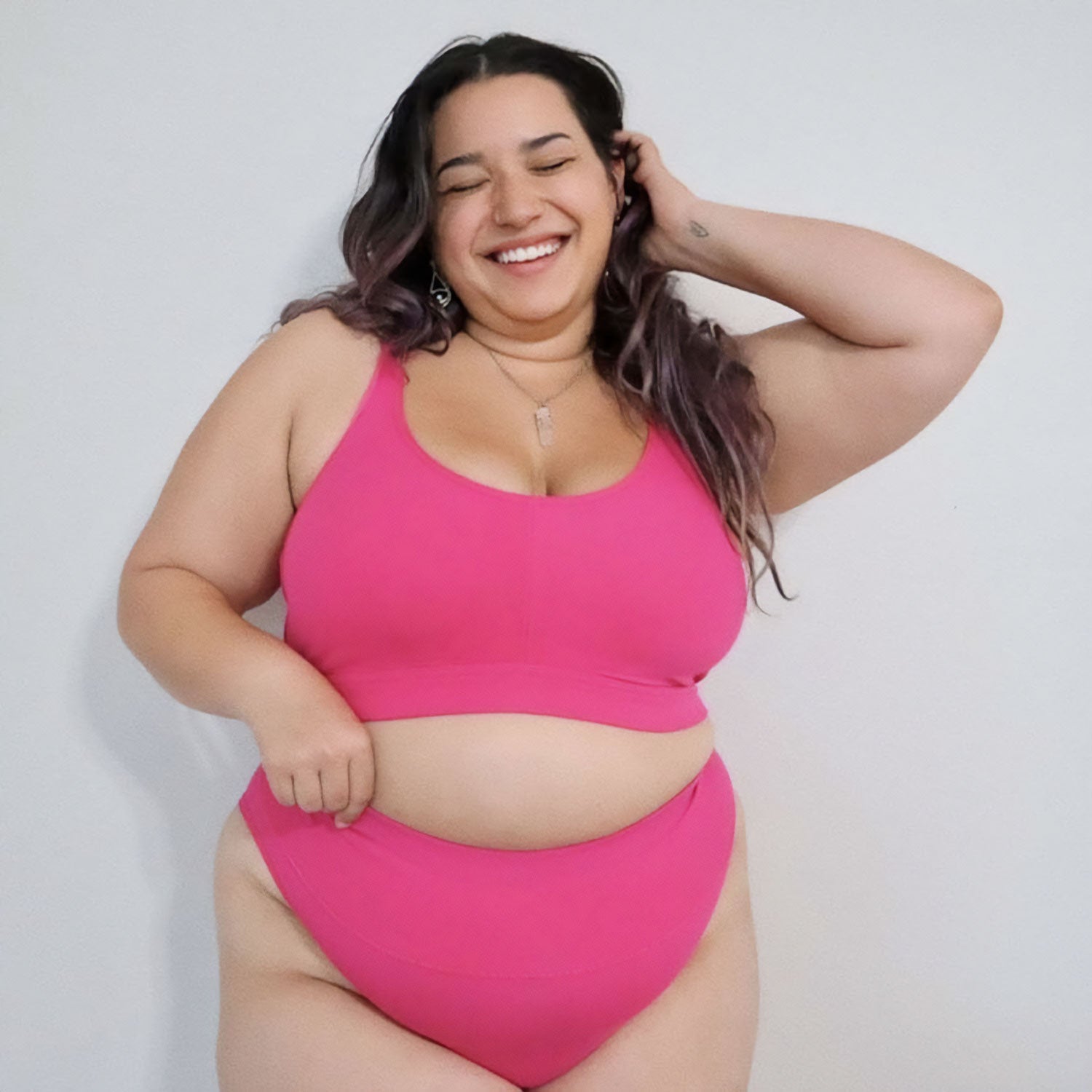
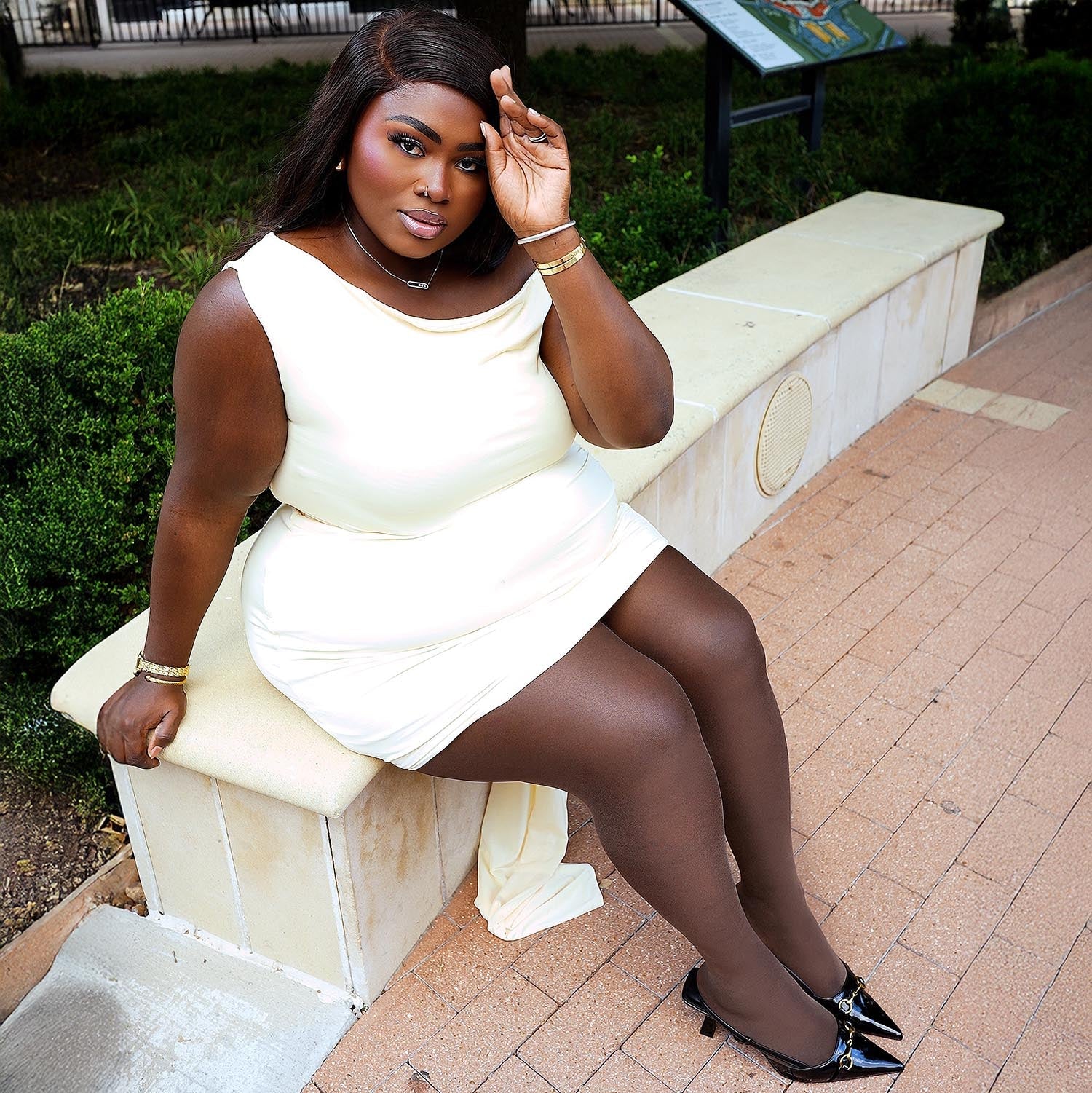
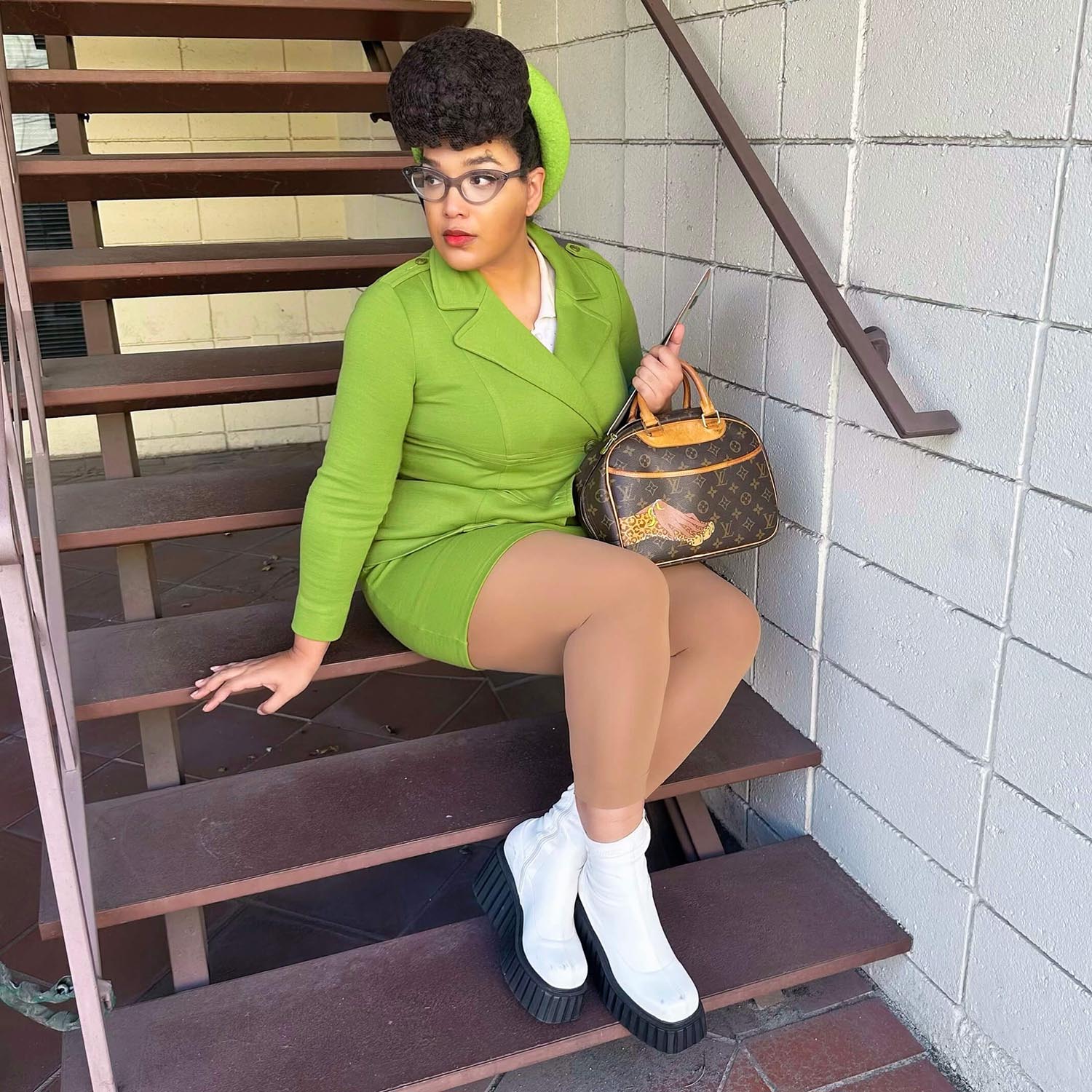
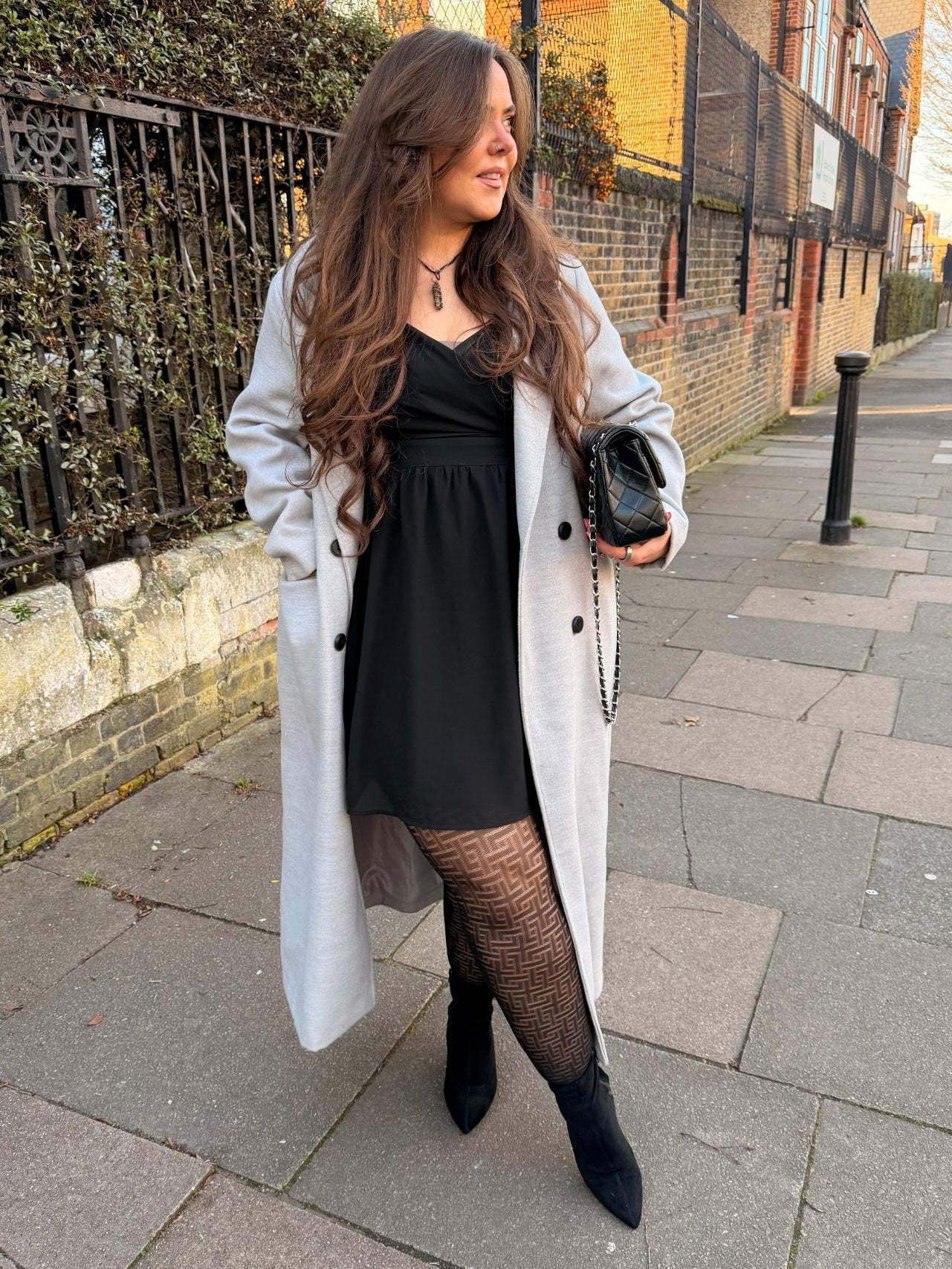
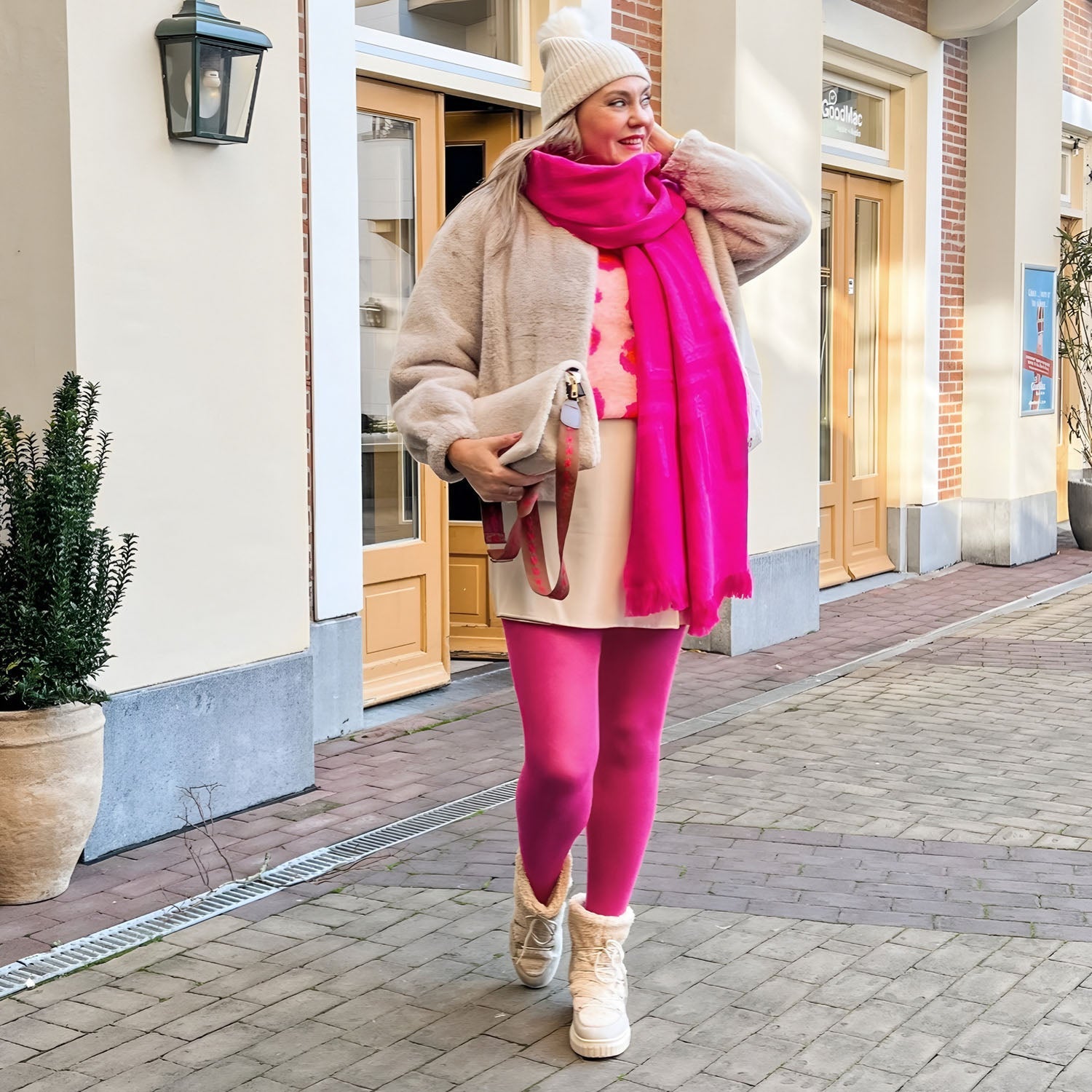
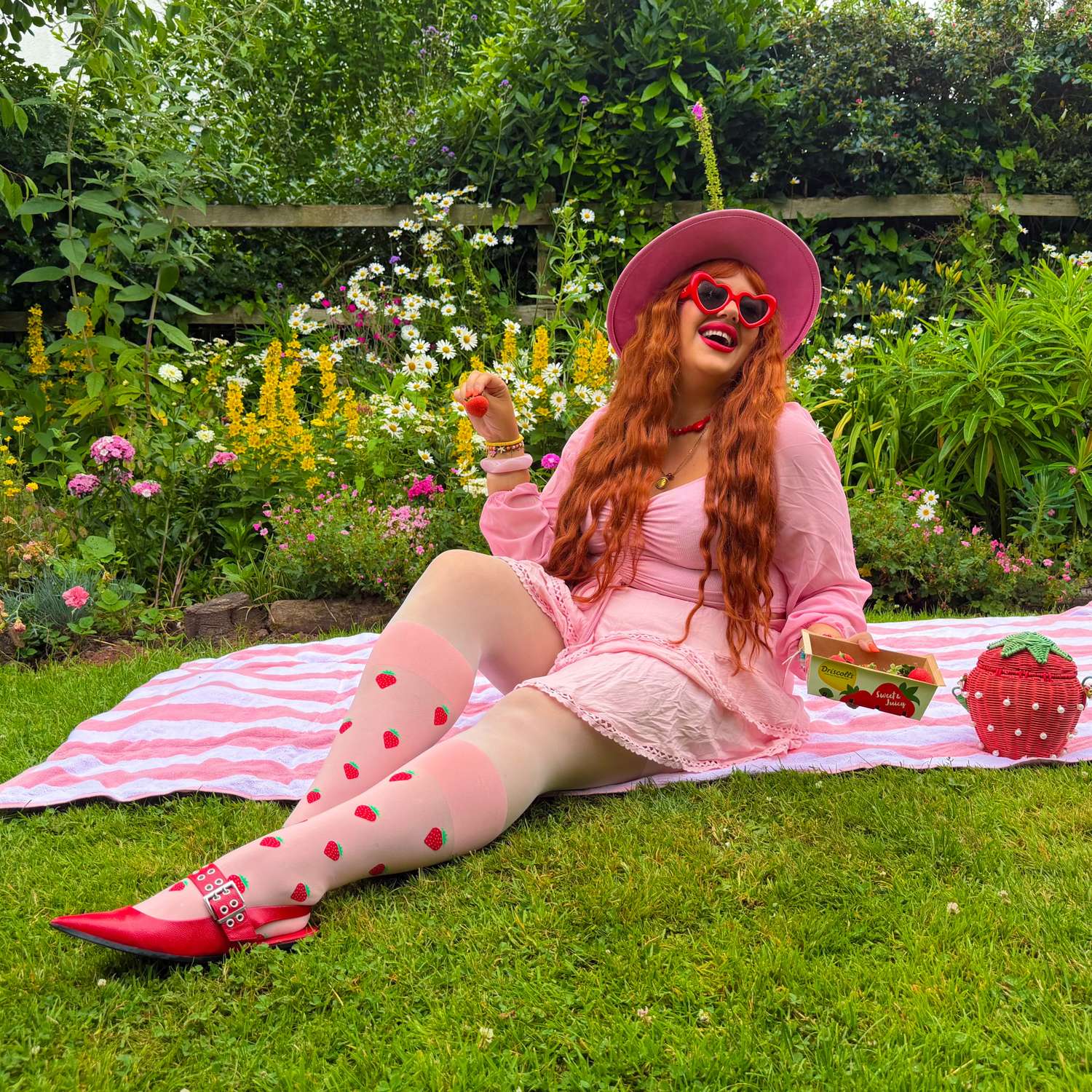
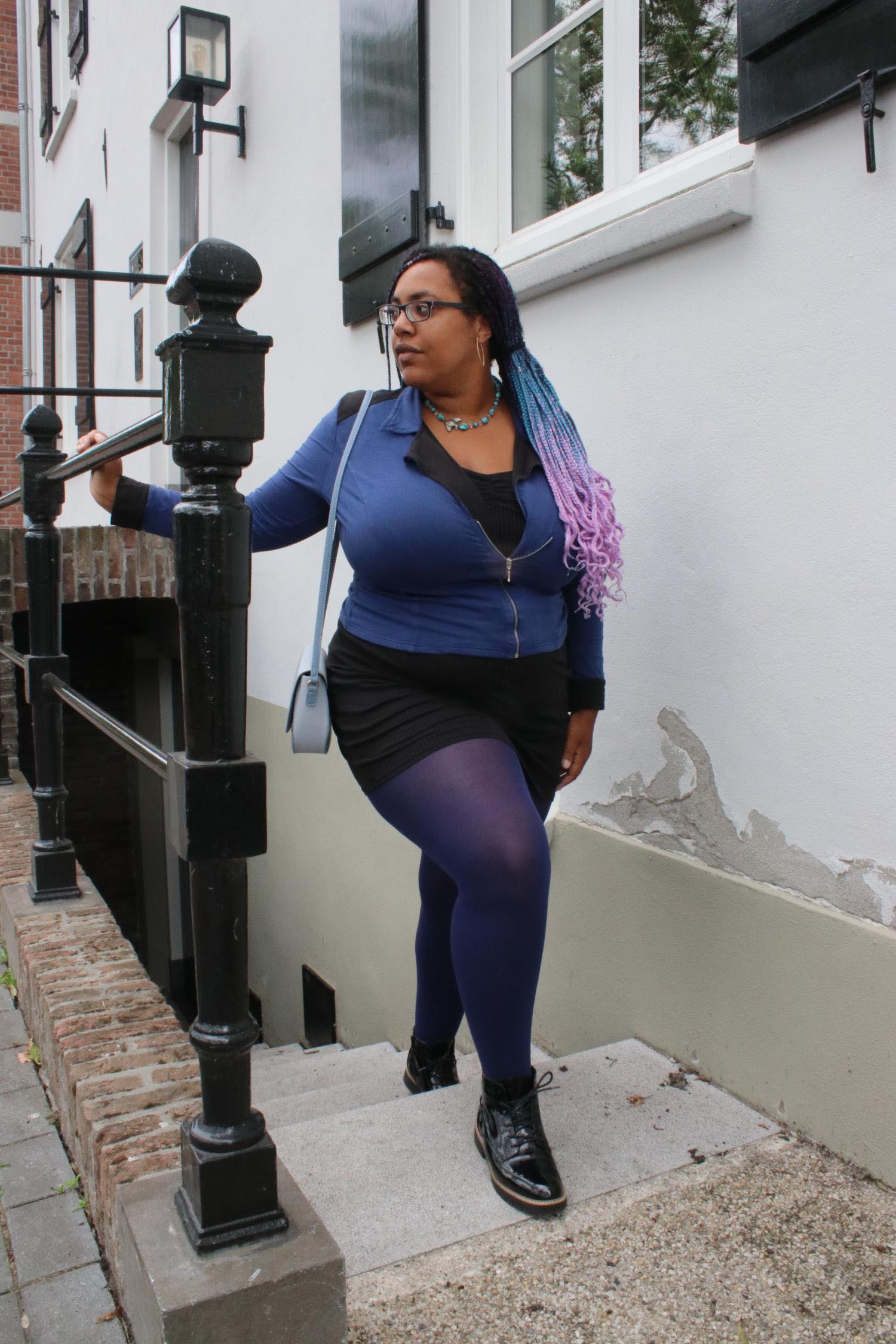
Plus size tights that were made for your size, not stretched to reach it. Most brands design one sample size and scale it up. We design every size from 0 to 32 as its own pattern and fit-test it on real bodies, so the waistband sits flat and nothing rolls down. That's why only 2% of our tights come back. Find your size with the Snag Size calculator.
Most brands use graded sizing, meaning they just make the waistband wider without changing the actual proportions. When you move, the tension forces the band to roll down. We design every size with unique proportions, creating a waistband that actually stays put.
What makes tights non-slip for fuller figures?
Proper engineering. We build each size from scratch to fit different heights, body shapes, and hip widths. This precise fit creates a non-slip effect without needing tight, painful elastic. It works so well that our total return rate is just two percent.
What sizes do your plus size tights uk go up to?
Our plus-size tights UK collection goes from size 4 all the way up to size 38. No matter where you sit on that scale, you get the exact same choice of styles and colors, all made with comfortable, sensory-safe fibres and no scratchy labels.
Do you make tights for big thighs that won't go see-through or baggy?
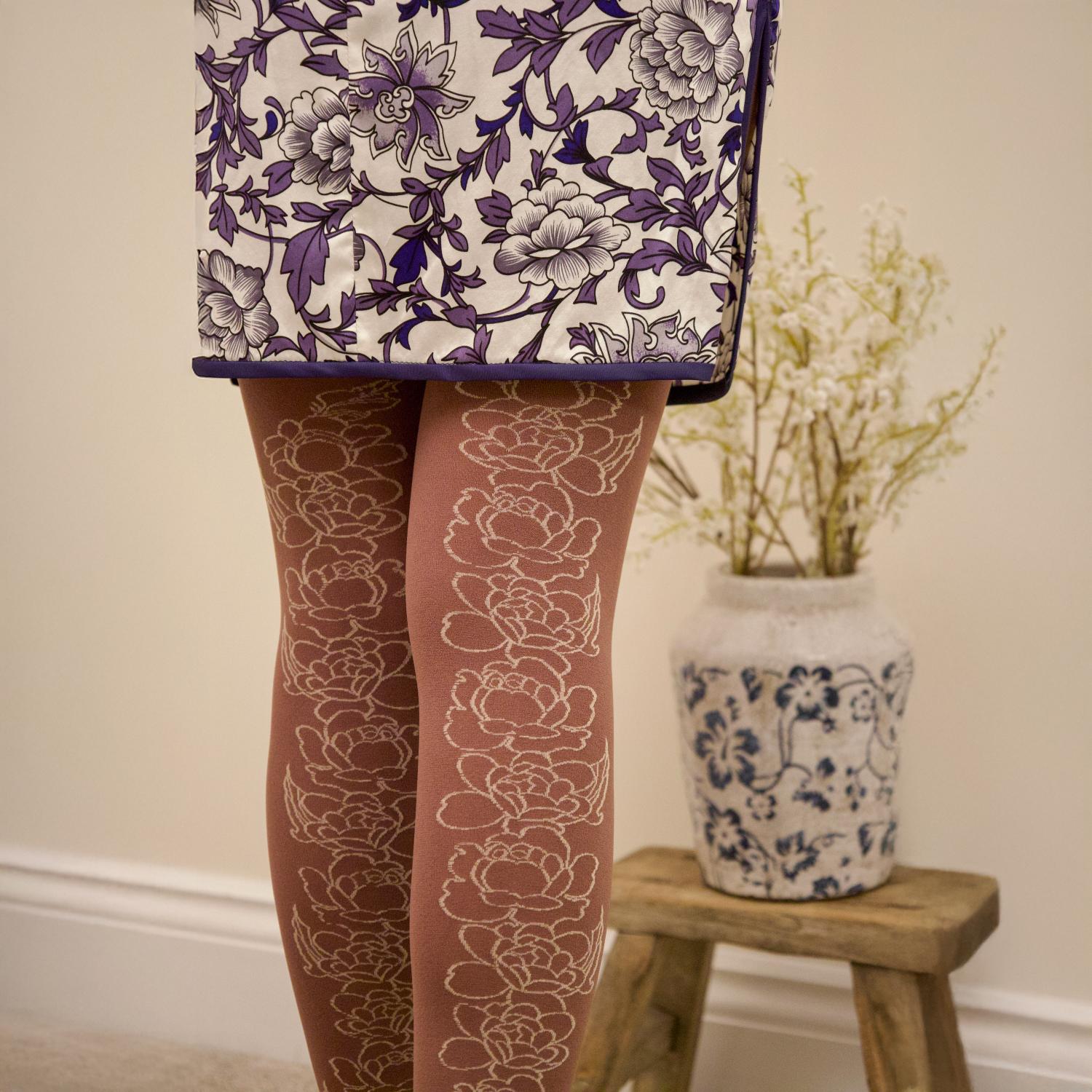
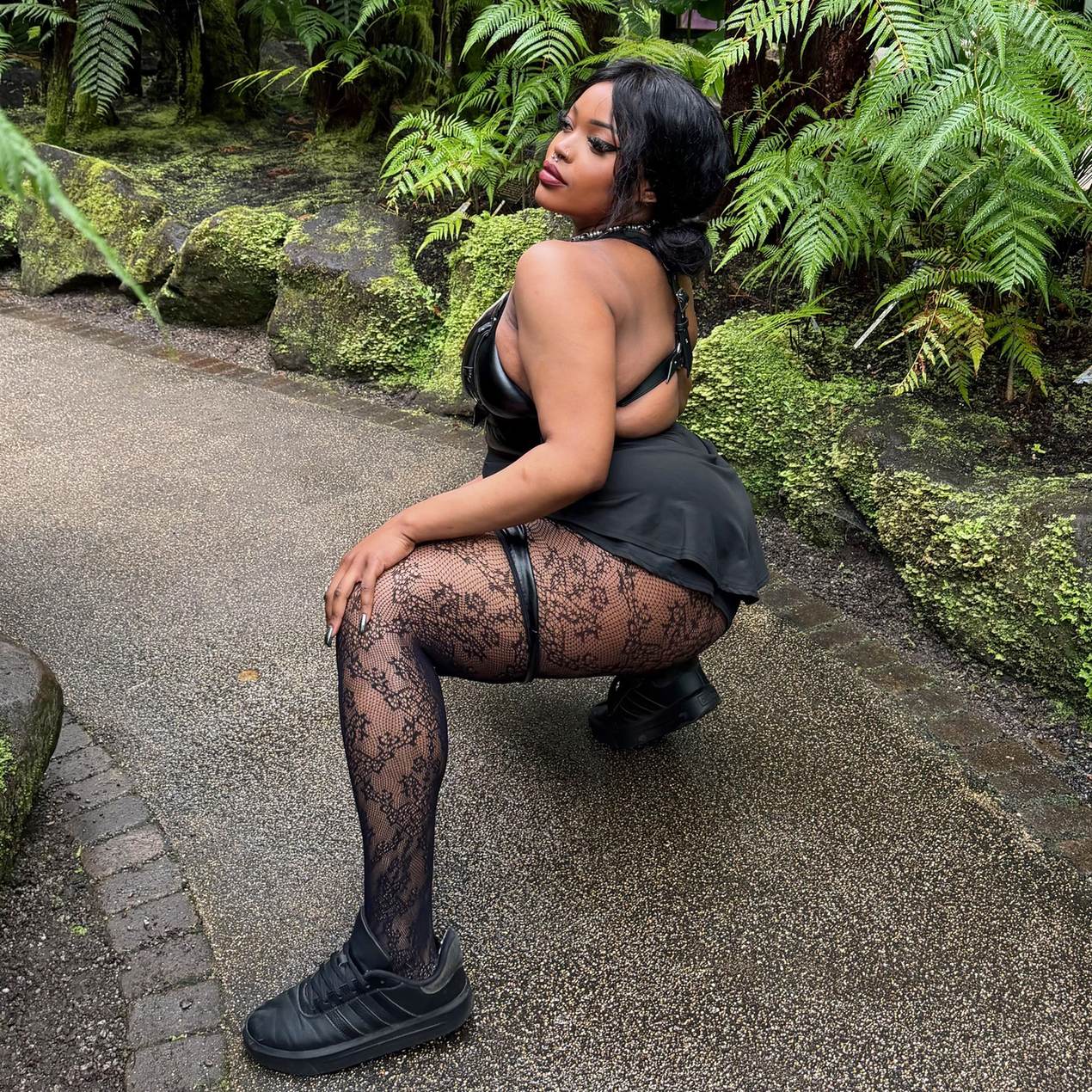
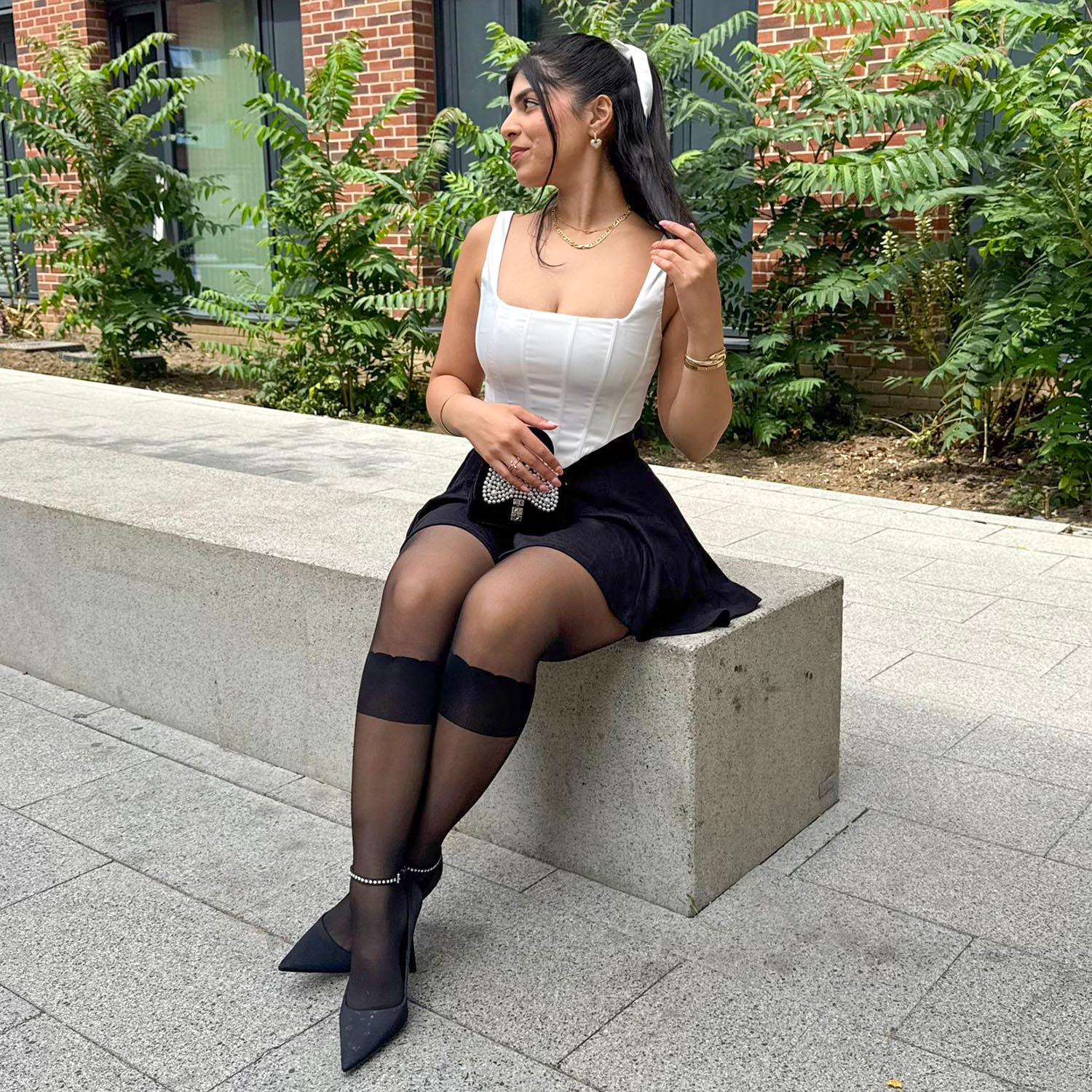
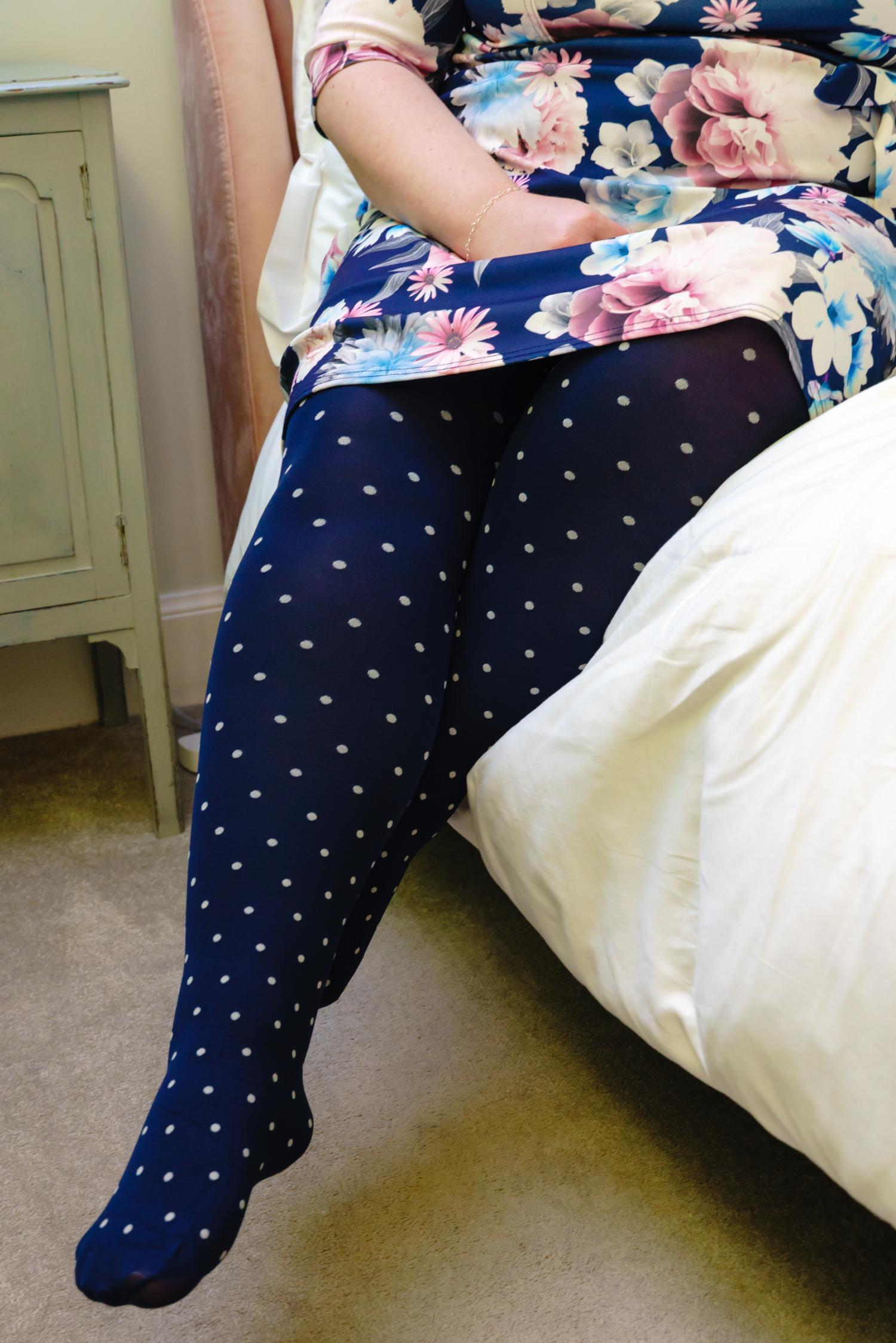
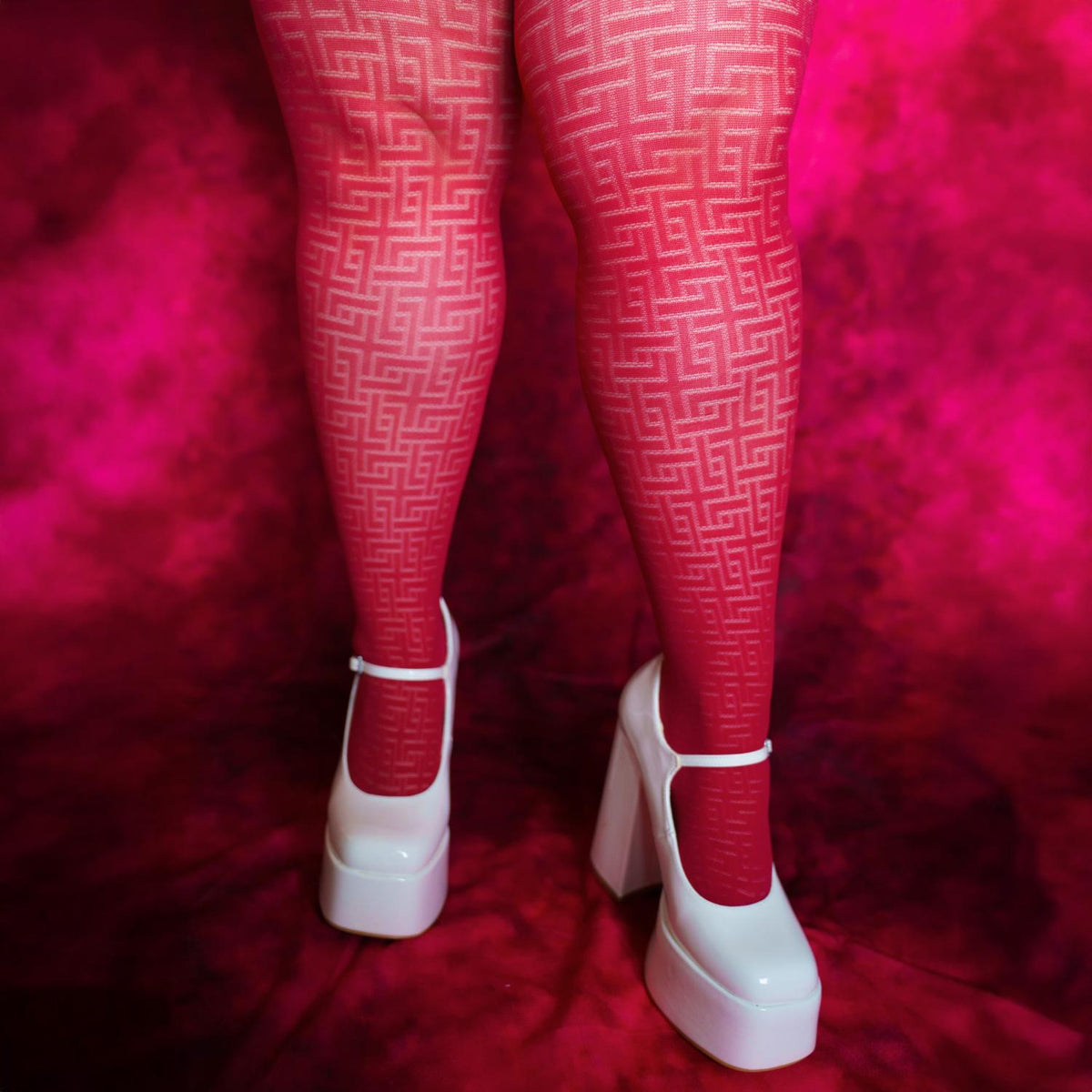
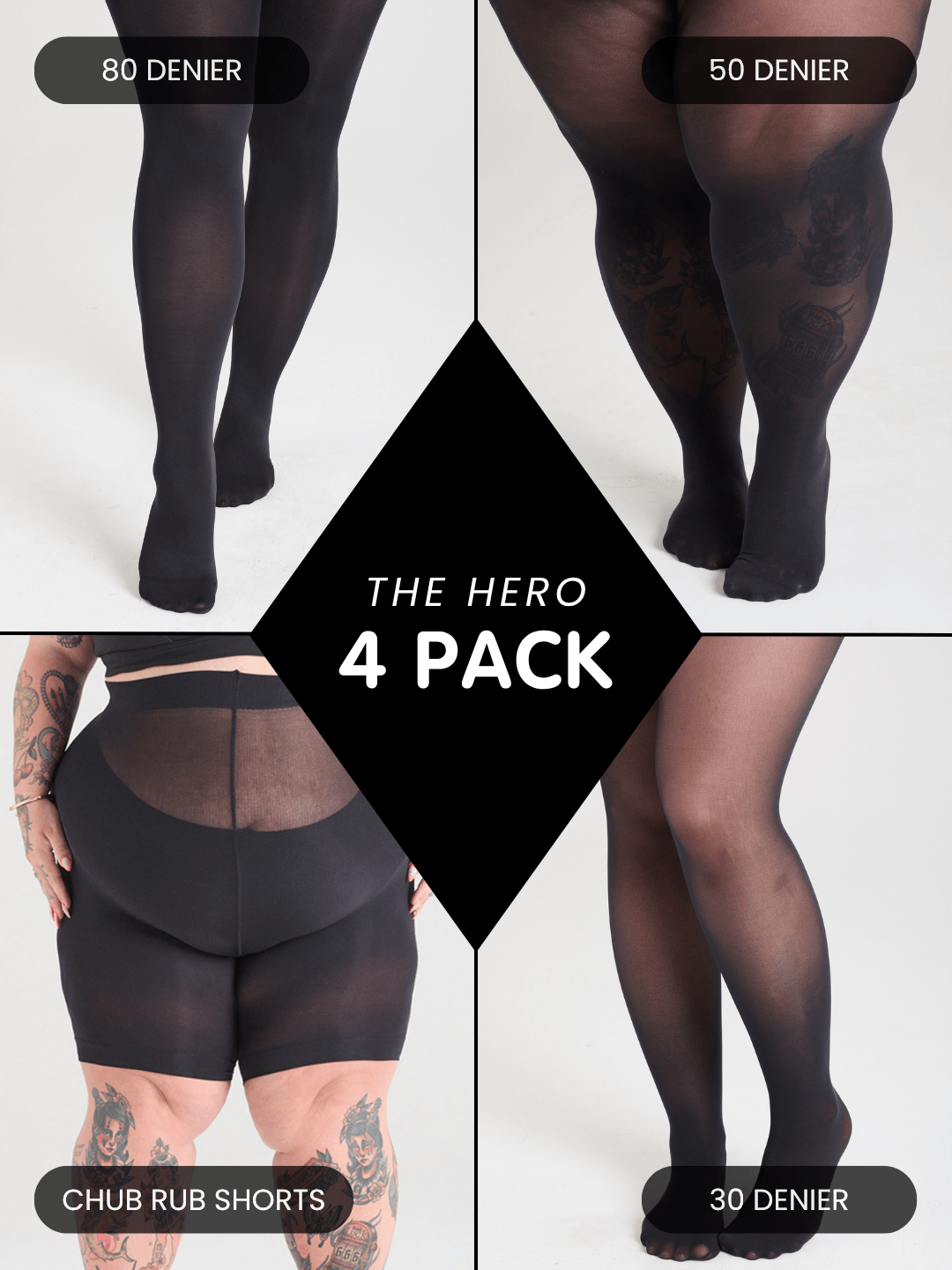
Yes. Cheap tights go completely see-through on big thighs because the fabric gets stretched to its breaking point. We change the knit density for every single size, so your opaque tights stay fully opaque and your sheers stay perfectly even across your thighs.
How do I find my size?
Forget standard department store dress sizes. Head over to our size guide at https://snagtights.com/pages/snag-tights-size-guide where we use your height, weight, and body shape to find your perfect fit. Taking two minutes to check ensures you get a pair that feels incredible.
Be the first to see new drops, get secret offers, and help us make fashion better for every body.
Choosing a selection results in a full page refresh.
PayPal Pay Later Messaging
Step 1: Choose message placement
Click the button below and then hover over your page to select a placement.
Step 2: Paste and save
You have copied the placement for the Product Page.
Go back to the App Embeds section, and in the Paypal Advanced Settings, paste the copied value into the
Product Page field and click the 'Save' button in the top right corner.


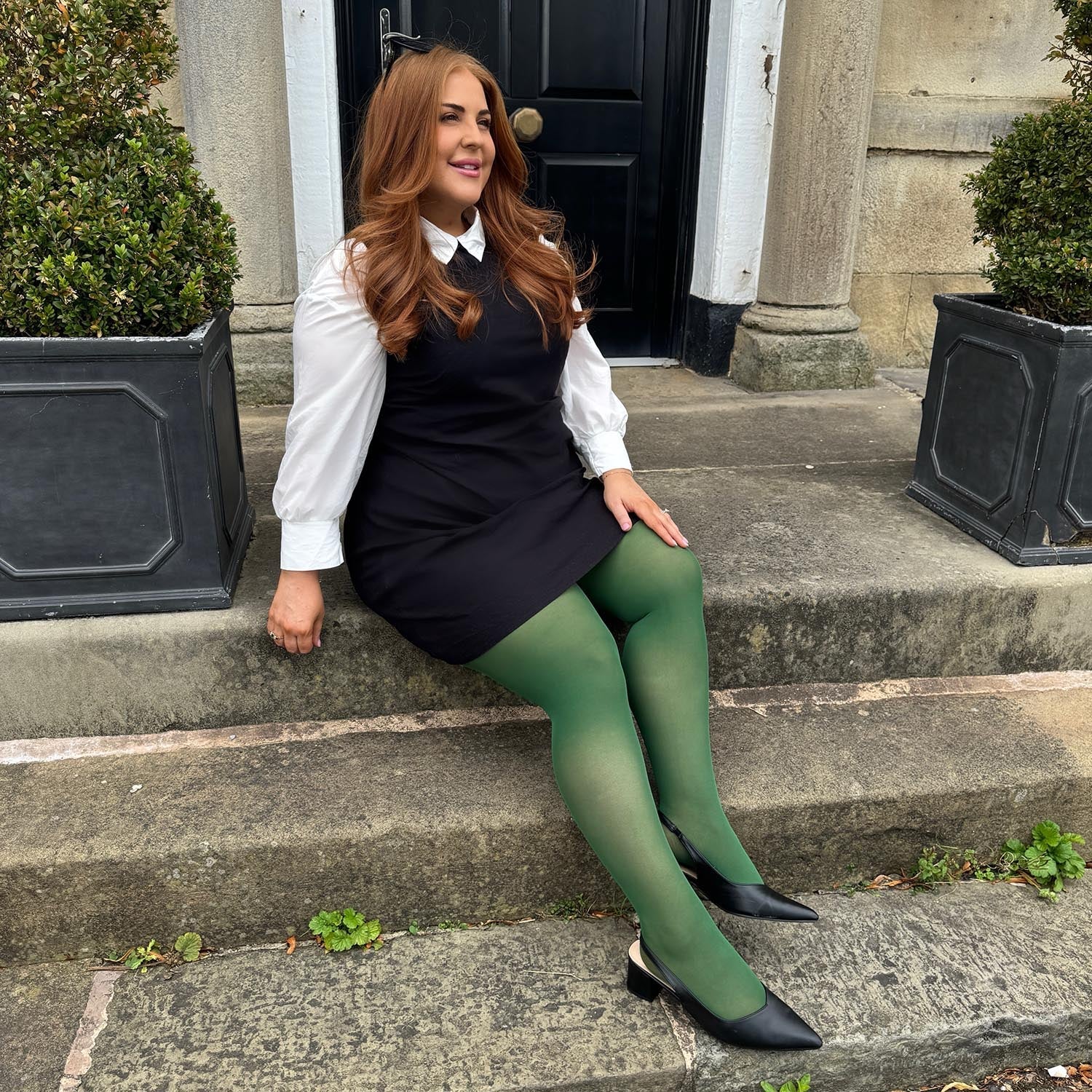

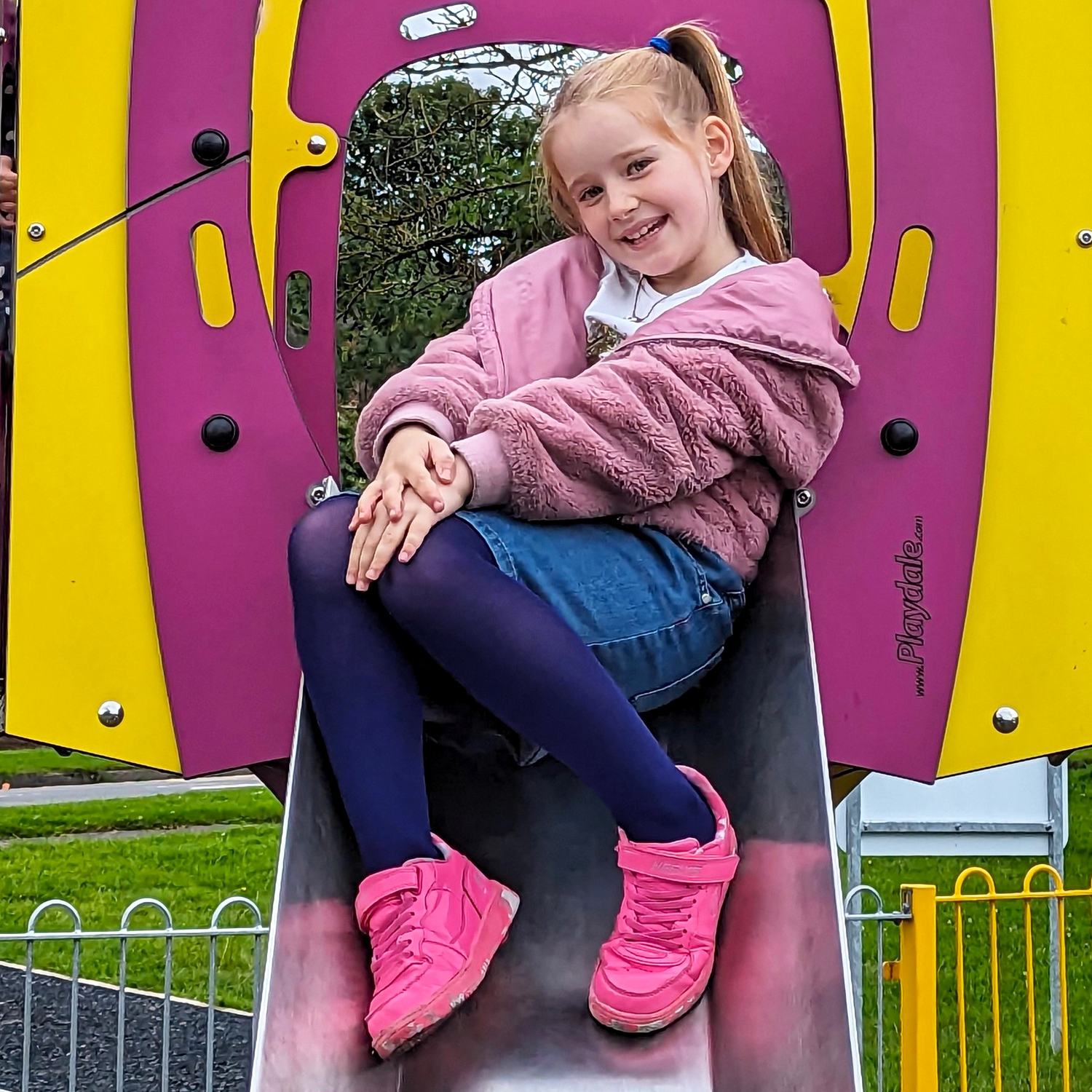
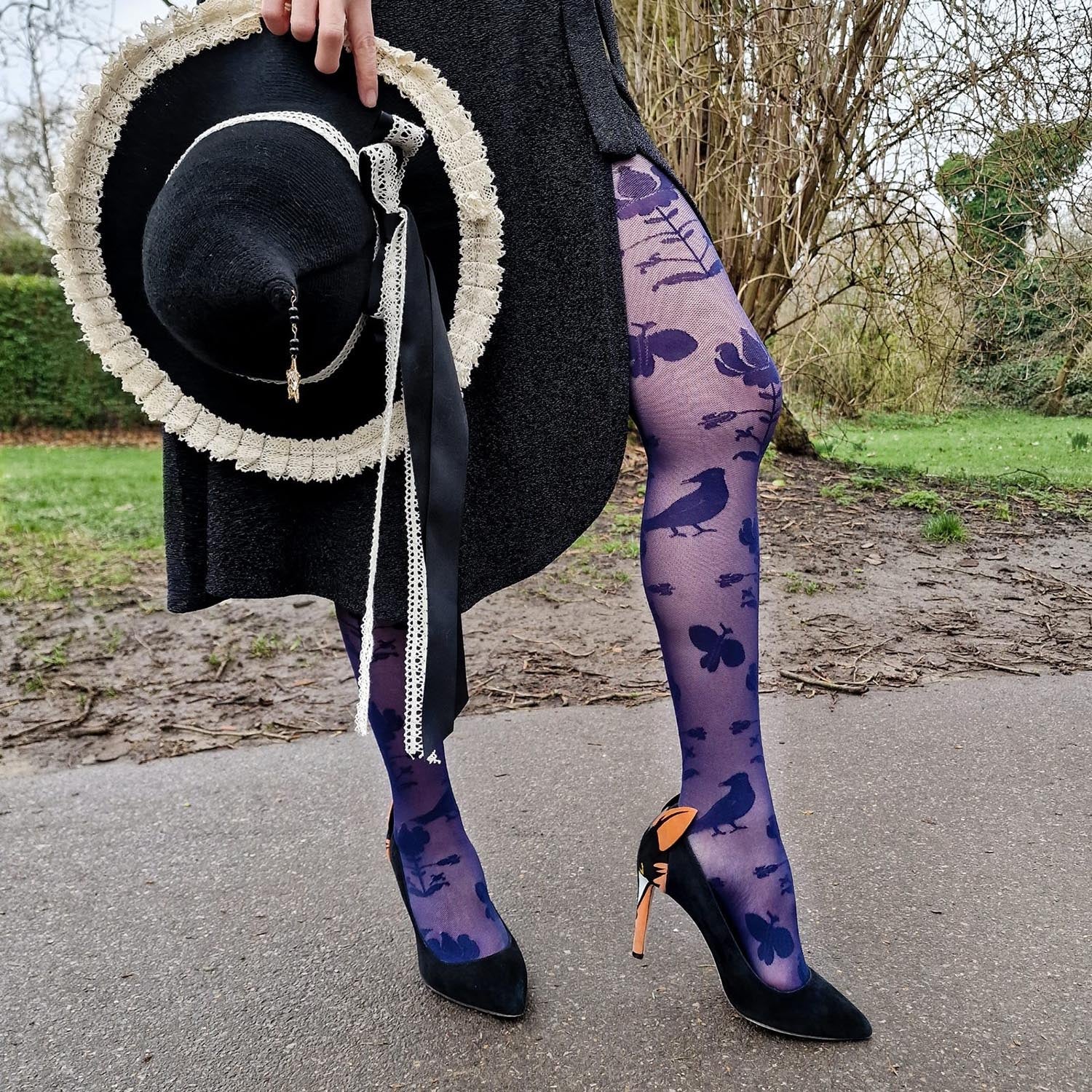


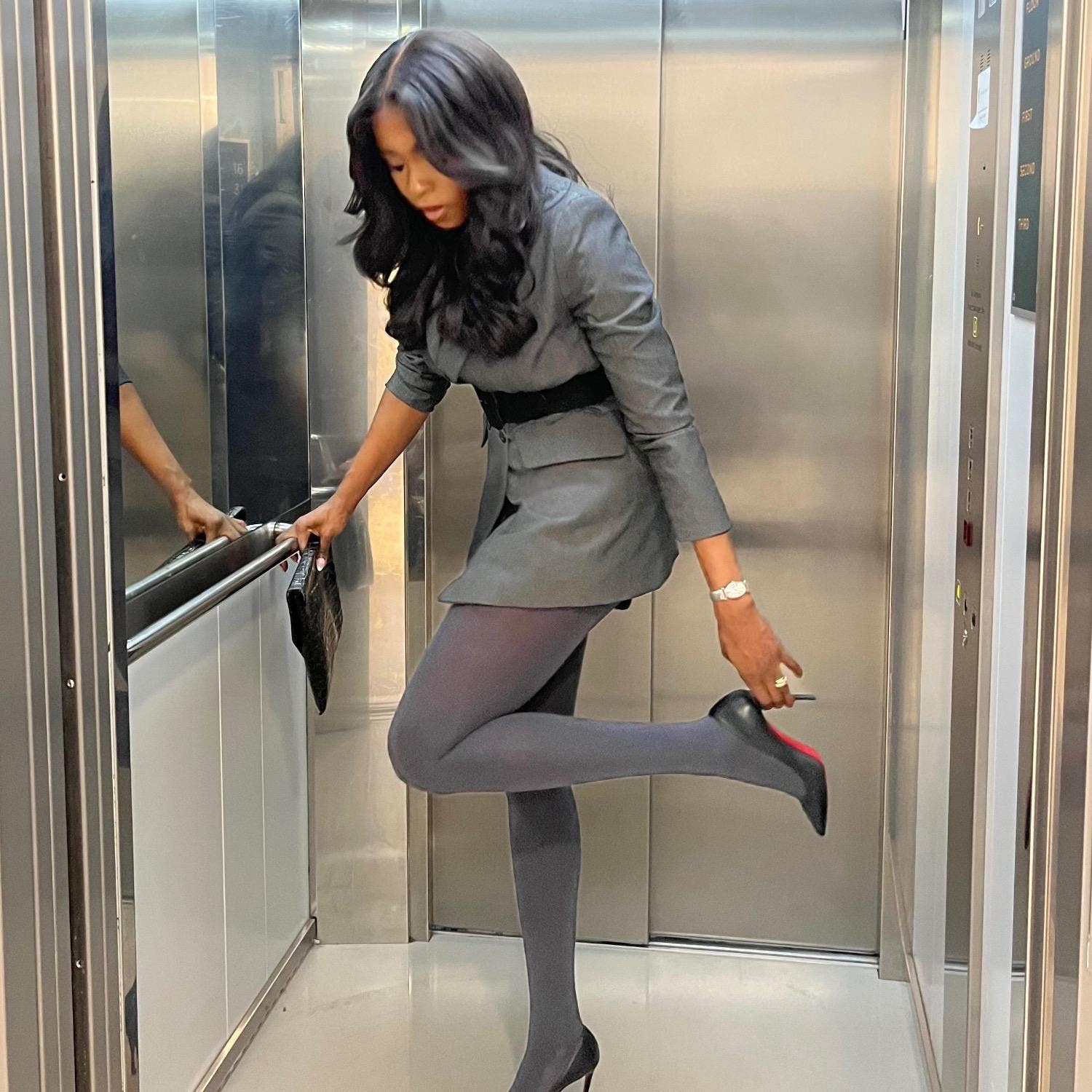


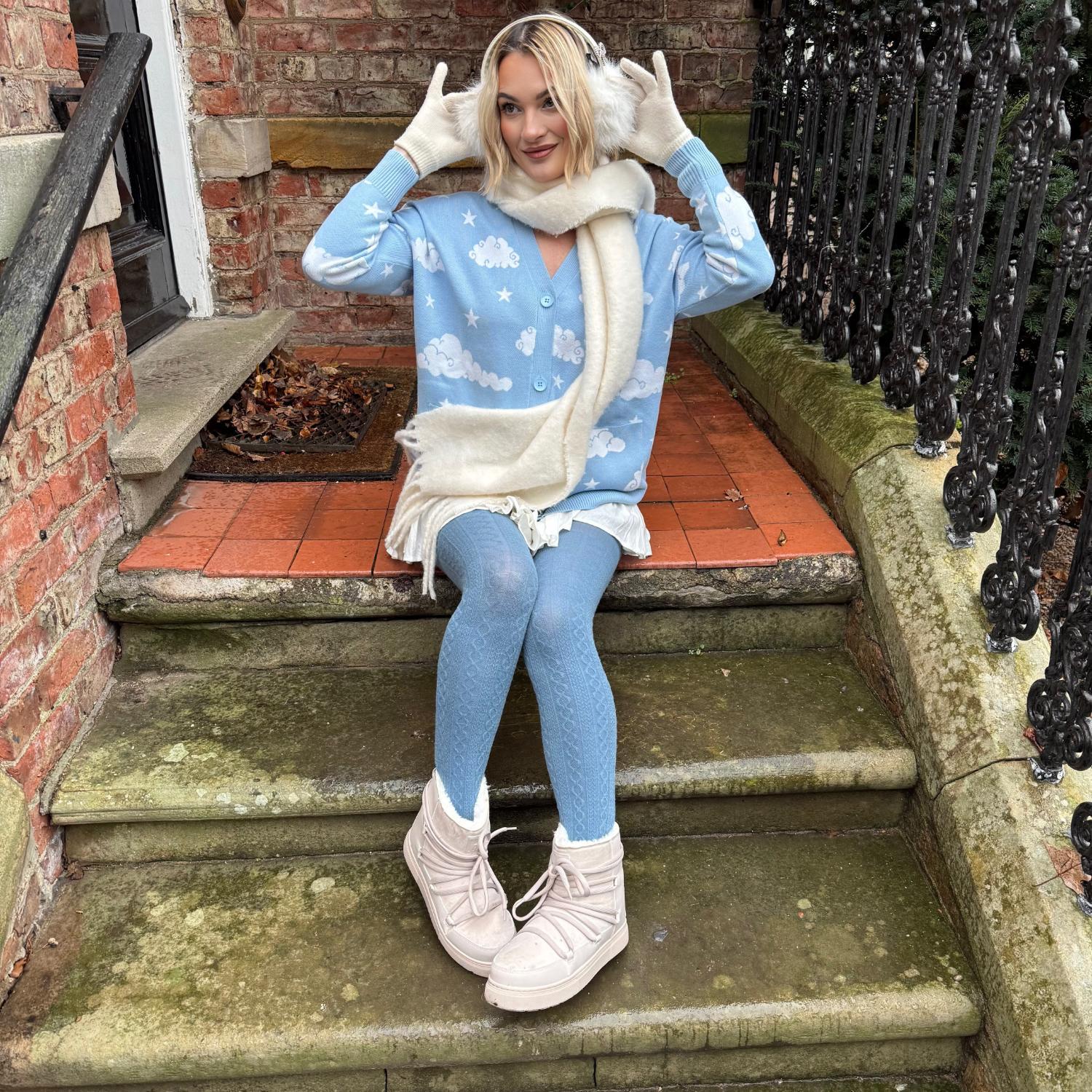
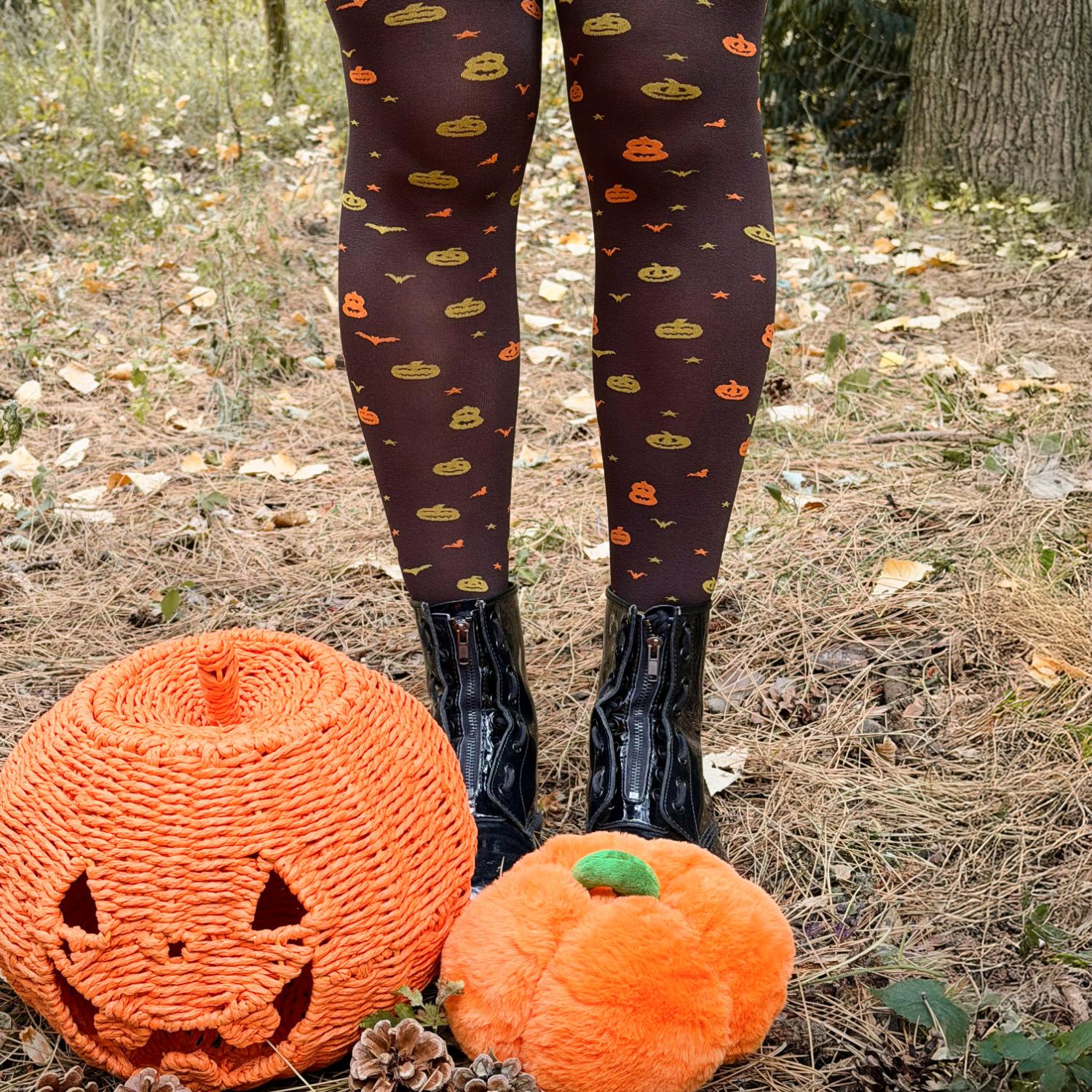

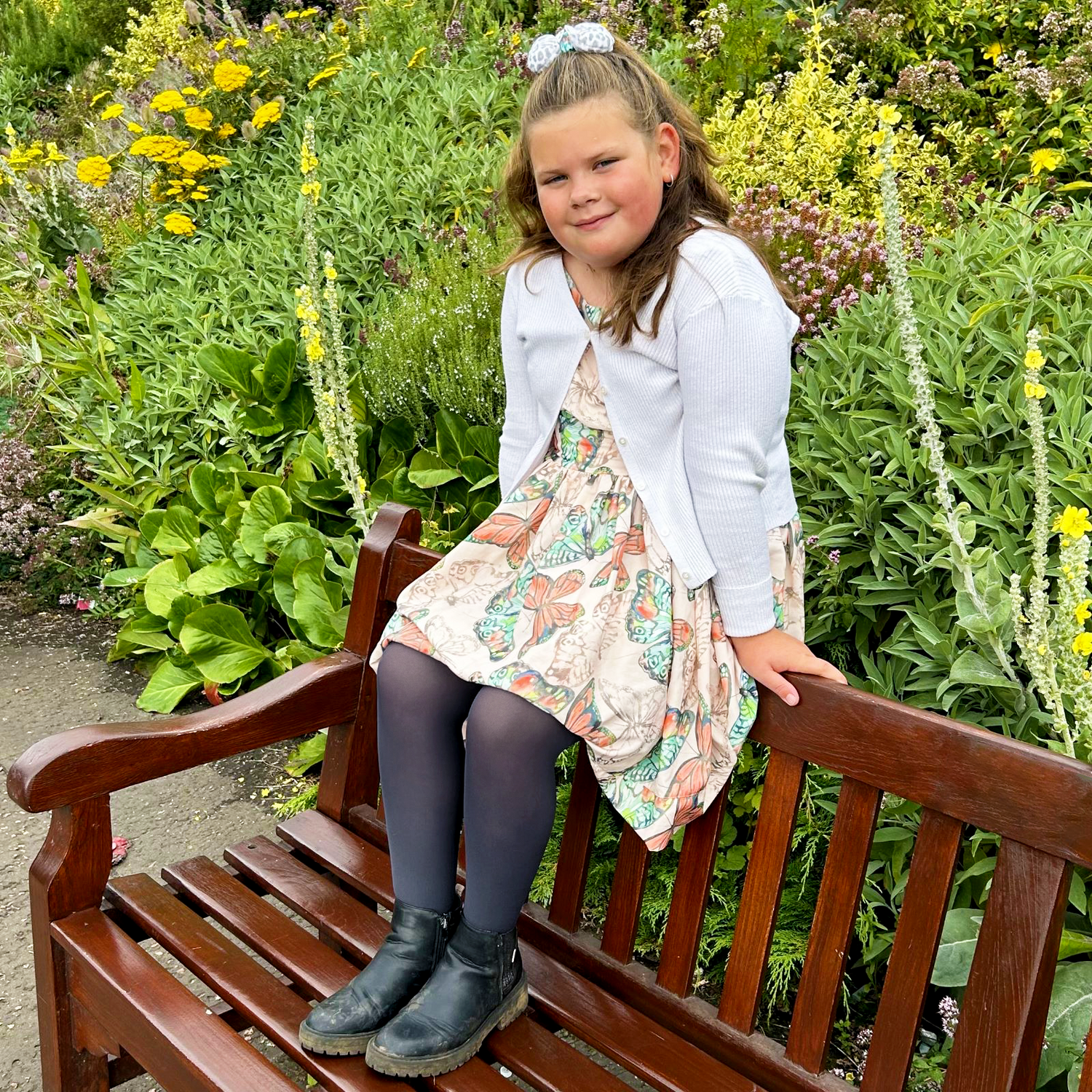


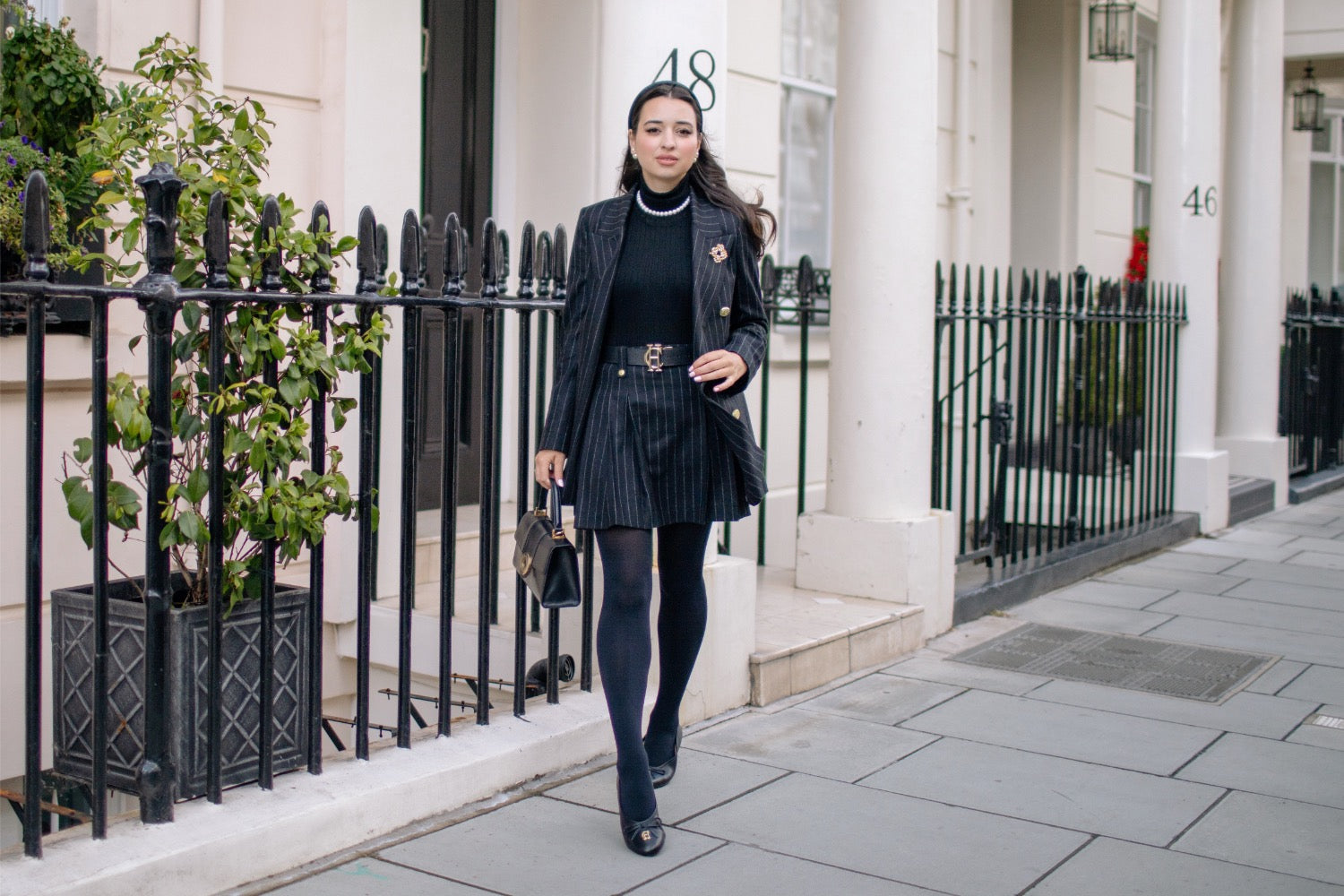


![[Naomi - Size G]](http://snagtights.us/cdn/shop/files/Naomi-SizeG-YourHighnessTights1_74840688-f6a0-4322-8865-a1bf202831a1.jpg?v=1715862873&width=1500)



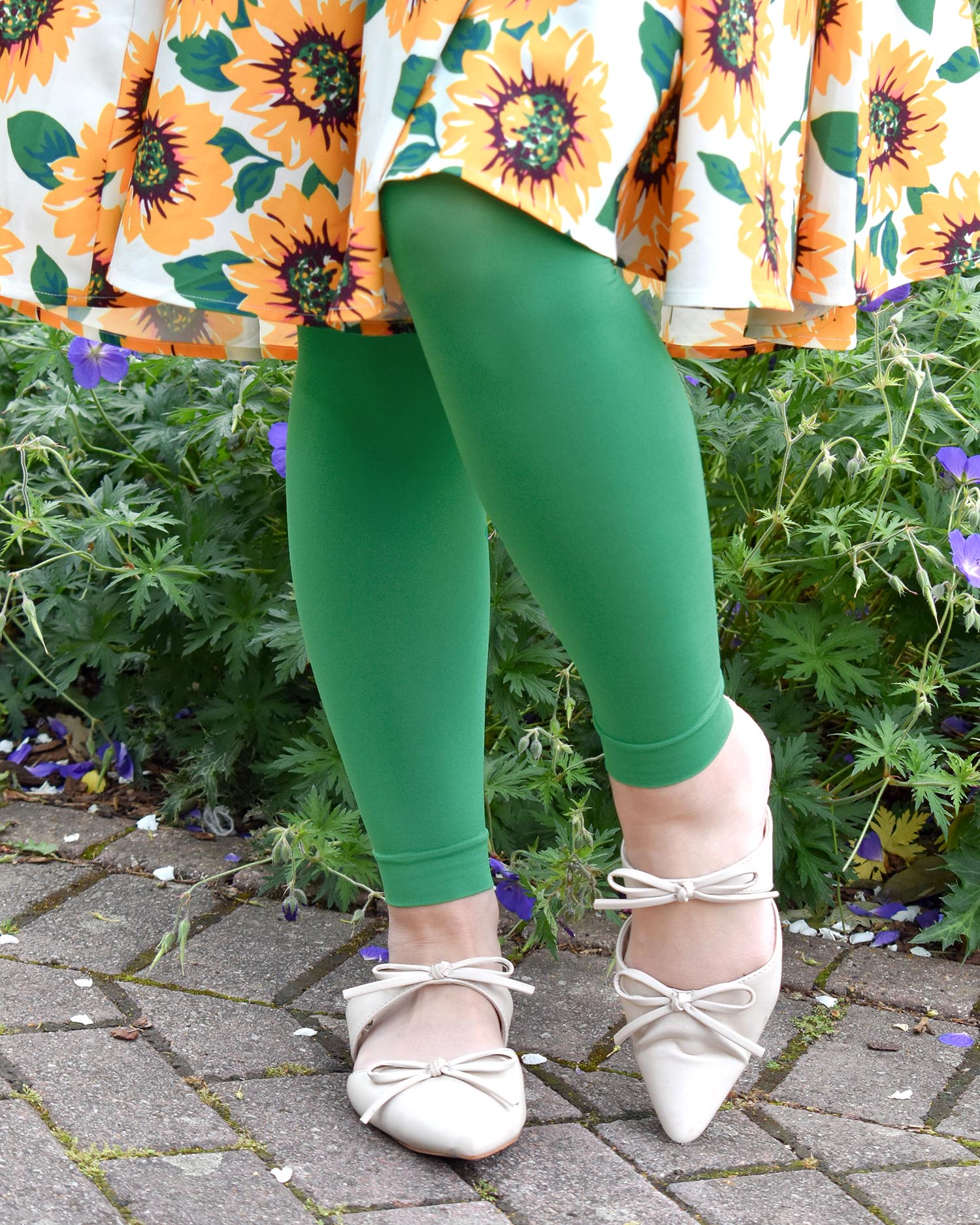
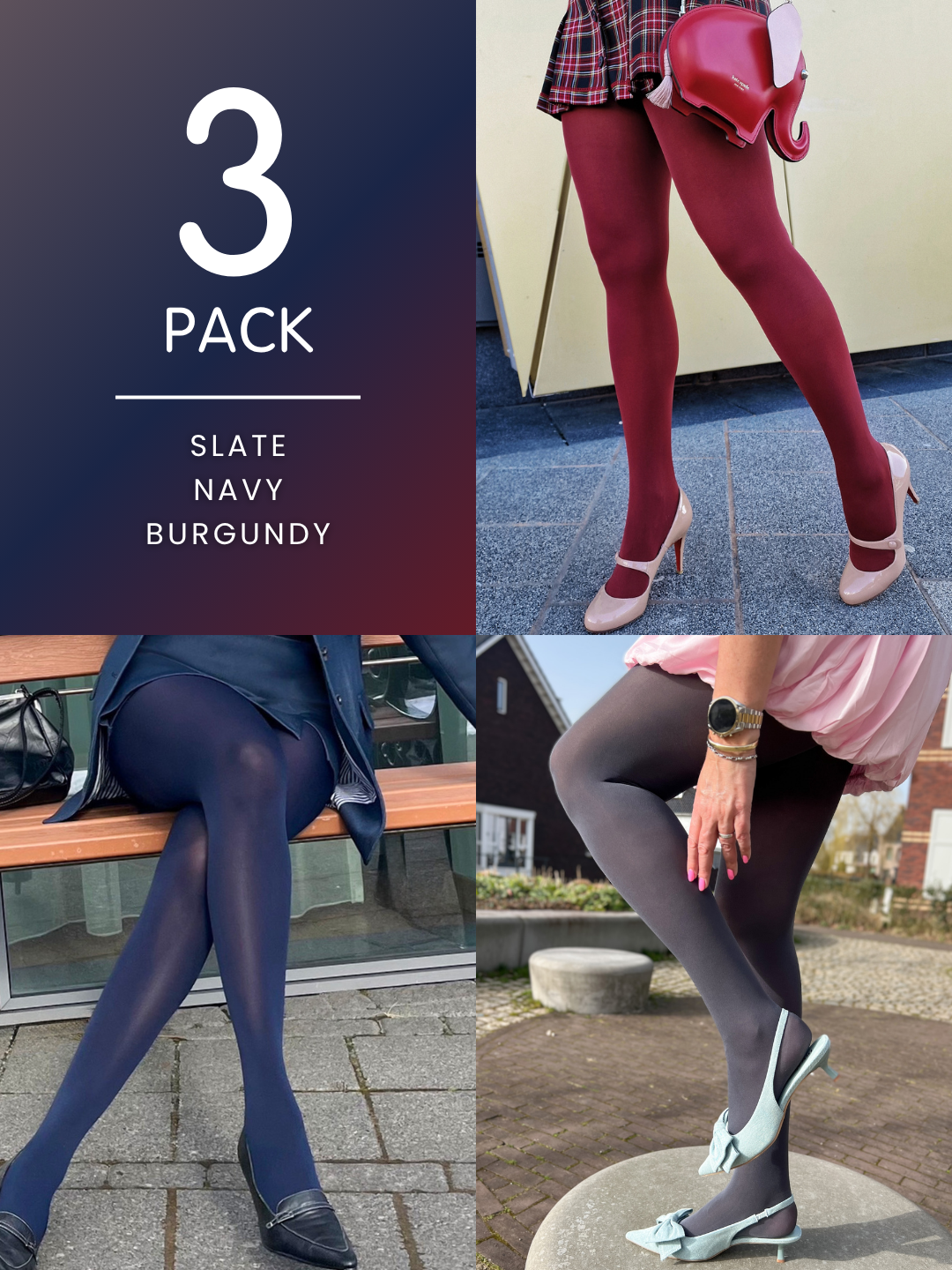







![[Shadé-Antonia - Size G]](http://snagtights.us/cdn/shop/files/Shade-Antonia-Black-Leggings3-min_26d4a130-62bd-4047-bc48-9b978729115b.jpg?v=1770298613&width=1500)